
How customizable are RGB LED fixtures for branding and shows?
- 1. How do I calculate the required RGB LED fixture wattage and lumen output for a 20×30 ft stage to achieve broadcast-quality brightness and even color?
- 2. Can RGB LED fixtures accurately reproduce brand (Pantone) colors across different fixtures and venues, and how do I calibrate them?
- 3. What DMX addressing and network setup do I need to fully pixel-map 200 individually-addressable RGB pixels on a touring set using Art-Net or sACN?
- 4. How customizable are RGB LED fixtures for branding and shows — can I embed logos, custom effects, and interactive controls without replacing hardware?
- 5. Should I choose low-cost addressable RGB strips or professional IP65/IP67-rated RGB LED fixtures for exterior architectural branding? What are the trade-offs?
- 6. What are the real-world maintenance costs and common failure modes for RGB LED fixtures on a touring production, and how should I budget for them?
- Concluding summary
How Customizable Are RGB LED Fixtures for Branding and Shows?
Written by the lighting specialists at Litelees. This guide answers six specific, often-misunderstood questions about RGB LED lights, pixel mapping, DMX control, color calibration and long-term costs for stage and branding applications.
1. How do I calculate the required RGB LED fixture wattage and lumen output for a 20×30 ft stage to achieve broadcast-quality brightness and even color?
Begin by defining target foot-candles/lux for your use case. For broadcast/recorded events, aim for 700–1500 lux on performers (65–140 fc). For live audience-only shows, 200–500 lux may be sufficient. Use these steps:
- Calculate stage area: 20 ft × 30 ft = 600 ft² (≈56 m²).
- Target illuminance: pick 1,000 lux (≈93 fc) for high-quality broadcast coverage.
- Total lumens required = area (m²) × lux = 56 × 1000 = 56,000 lumens.
- Real-world fixture output: choose fixtures’ rated lumen output . A professional RGBW wash with high-efficiency optics might deliver 6,000–12,000 lumens per fixture in white mode.
- Number of fixtures = total lumens / fixture lumens. Example: 56,000 / 8,000 ≈ 7 fixtures. Add 20–40% overlap/contingency and color-mixing losses: recommend 9–11 fixtures.
Important practical notes:
- RGB-only fixtures produce lower perceived lumen output for saturated colors — consider RGBW or RGB+Amber (RGBA) fixtures to maintain pastel and white fidelity with lower power.
- Beam angle impacts needed fixtures: narrow (10°–25°) needs fewer fixtures but careful aiming; wide washes (45°–90°) require more fixtures for even coverage.
- Account for camera requirements: broadcast cameras require higher CRI and consistent color temperature. Use fixtures with tunable white (2700K–6500K) and CRI ≥ 90 or TM-30 reports when possible.
- Power planning: 8,000-lumen fixtures commonly draw 200–400 W depending on LED efficacy and drivers. Always verify actual fixture power draw from manufacturer specs and include 20% power supply margin.
2. Can RGB LED fixtures accurately reproduce brand (Pantone) colors across different fixtures and venues, and how do I calibrate them?
Short answer: Yes — but only with a controlled workflow (color measurement, calibration, and consistent control protocols). RGB LED lights alone can approximate many brand colors, but to match Pantone reliably you'll need additional steps and in many cases RGBW or RGBA fixtures for improved gamut and whites.
Practical calibration workflow:
- Specify target color values in a device-independent space (CIELAB or sRGB/XYZ) derived from Pantone conversions or a color reference target.
- Measure native fixture output using a spectrometer or colorimeter (e.g., X-Rite i1Pro, Konica Minolta CL-200). Record the fixture spectral power distribution (SPD), CCT, CRI, and xy coordinates.
- Create fixture correction curves in your lighting console or middleware (e.g., MA lighting, grandMA, Hog, or lighting servers like Millumin/MADRIX). Many modern consoles support per-fixture color correction tables (gamma, RGB gains) or LUT uploads.
- If absolute accuracy is required across models and venues, use a look-up-table (LUT) approach: measure each fixture model and generate corrected RGB or HSI values that produce the desired XYZ / LAB result on stage.
- Prefer RGBW/RGBA or 4–6 channel fixtures for fine pastel and flesh tones; pure RGB struggles to render low-saturation or near-white brand shades without visible tinting.
Additional tips:
- Use the same firmware/hardware revision for fixtures when possible; LED binning differences (lumen and chromaticity shifts) can cause mismatch between batches.
- Control protocol consistency (DMX universes, Art-Net mapping) and avoiding wireless latency jitter ensures simultaneous color changes across units.
- Document and store calibration files per venue and fixture model so touring productions can reproduce brand colors reliably.
3. What DMX addressing and network setup do I need to fully pixel-map 200 individually-addressable RGB pixels on a touring set using Art-Net or sACN?
Planning pixel mapping requires counting channels per pixel and planning universes. Key facts: DMX512 = 512 channels per universe. Addressable pixel protocols (WS2811/WS2812/APA102 in LED strips) typically use 3 channels per RGB pixel (RGB) or 4 channels for RGBW pixels.
- Pixel channel math: 200 pixels × 3 channels = 600 channels. 600 / 512 = 1.17 → you need 2 DMX universes if using DMX-based pixel drivers.
- Using Art-Net/sACN over Ethernet: you can transport multiple universes over a single CAT5/6 cable. For 600 channels, plan for two universes (universe 0 and universe 1, for example).
- Recommended topology for touring:
- Lighting console outputs Art‑Net/sACN → gigabit switch (managed preferable) → pixel controllers (e.g., SPI/DMX pixel decoders like Enttec ODE/DMXPix or PixelPusher).
- Use static IP addressing for consoles, switches, and nodes to reduce discovery issues. Keep multicast configuration clear for sACN; for Art‑Net, reduce broadcast domains across large sites.
- Power and grounding: split pixels into power segments (e.g., groups of 50–100 pixels) powered locally to avoid voltage drop. Use common ground between data source and pixel power supply. For runs >5 m, consider injecting power every meter depending on strip type and current draw.
- Latency and refresh rate: for fast video content, prefer SPI-based LEDs or controllers that support higher refresh rates and 16-bit color if needed. For DMX per-pixel updates, ensure your console and nodes can pump frame rates at least 40–60 fps for smooth motion.
Example: 200 RGB pixels with 3 channels each → two universes. Use a managed gigabit switch, set Art‑Net node with Universe 0 covering 0–511 channels and Universe 1 covering remaining channels. Label and lock DMX addresses on each pixel driver to avoid accidental readdressing during load‑in.
4. How customizable are RGB LED fixtures for branding and shows — can I embed logos, custom effects, and interactive controls without replacing hardware?
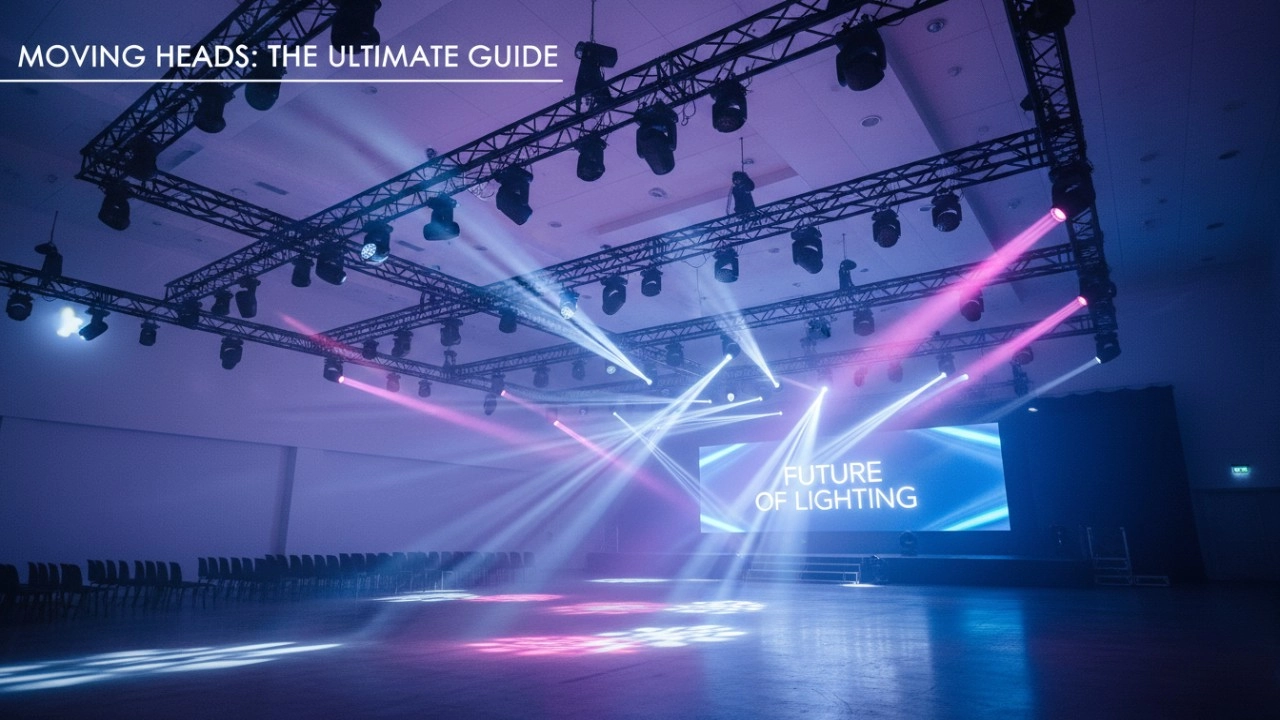
RGB LED fixtures are highly customizable on three layers: hardware (optics, lenses, pixel pitch), firmware (DMX channels, pixel mapping), and software (control, media servers). Many branding effects are achievable without changing the hardware, using software-driven techniques like pixel mapping, gobos, and projections. Specific capabilities depend on fixture type:
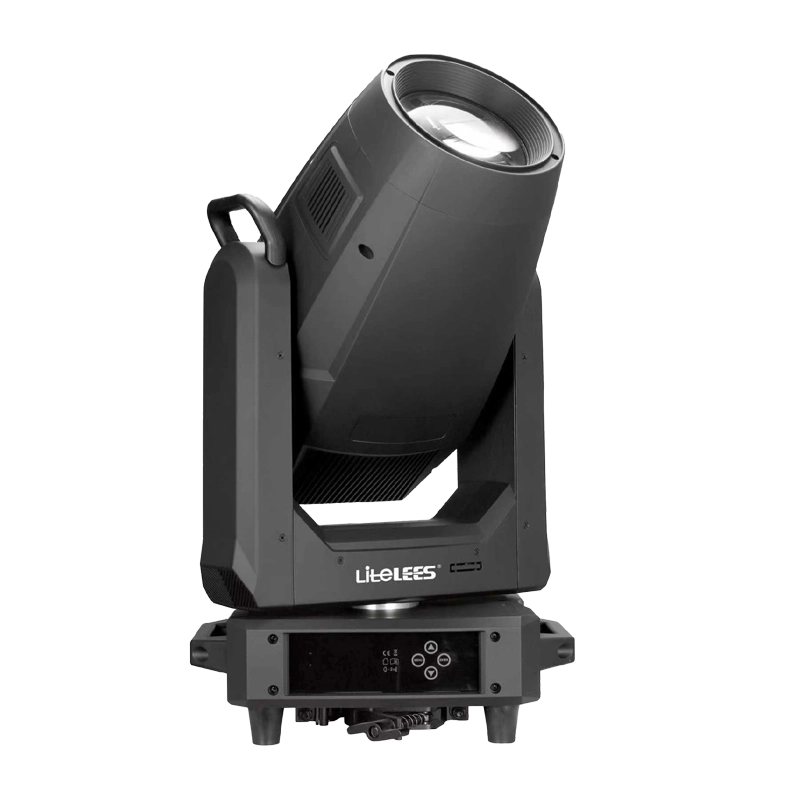
- LED moving heads and profile fixtures: offer interchangeable gobos, motorized prisms, color wheels (including CMY + CTO), and framing shutters. You can insert custom metal or glass gobos (depending on the fixture optics) to project logos — ensure the fixture supports custom gobo sizes and heat-rated glass for sharp logo projection.
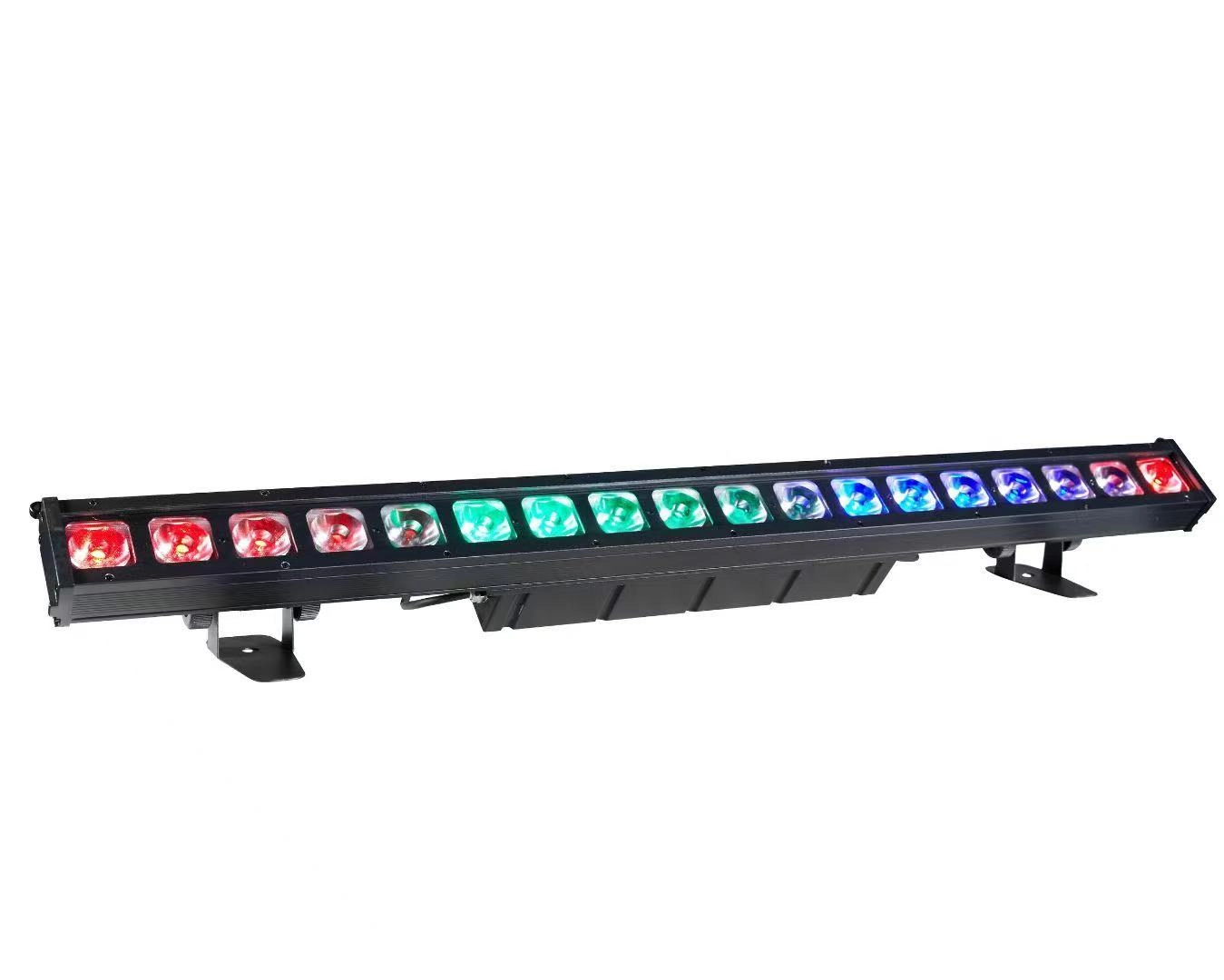
- Pixel-mapped LED battens, strips, and panels: software (MADRIX, Resolume, TouchDesigner) can map any 2D texture — including logos — to addressable pixels. This allows animated branding sequences, motion-responsive visuals, and per-pixel color control without hardware changes.
- Firmware features: some fixtures support custom gamma curves, preloaded scenes, and user profiles. Check that the fixture’s firmware supports pixel ordering (RGB vs GRB) and 16-bit color if you need very smooth fades for brand transitions.
- Interactive controls: integrate sensors (DMX triggers, MIDI, OSC, or network API) to make lighting reactive — e.g., audience-controlled color via an app. Many modern fixtures and controllers accept Art-Net/sACN and OSC for interactive installations.
Limitations and considerations:
- Logo sharpness depends on pixel pitch and optics. A low-resolution LED strip cannot show detailed logos; use LED video panels (pixel pitch P2–P6 for close viewing) or gobo projection for crisp logos.
- Gobo projection requires lenses with adequate throw ratio and image area. Verify throw distances and projected image size in your venue using manufacturer specs.
- Heat and material: projecting via metal gobos on high-power LED moving heads is usually fine, but check the gobo holder and glass gobo specs to avoid warping or cracking under heat.
5. Should I choose low-cost addressable RGB strips or professional IP65/IP67-rated RGB LED fixtures for exterior architectural branding? What are the trade-offs?
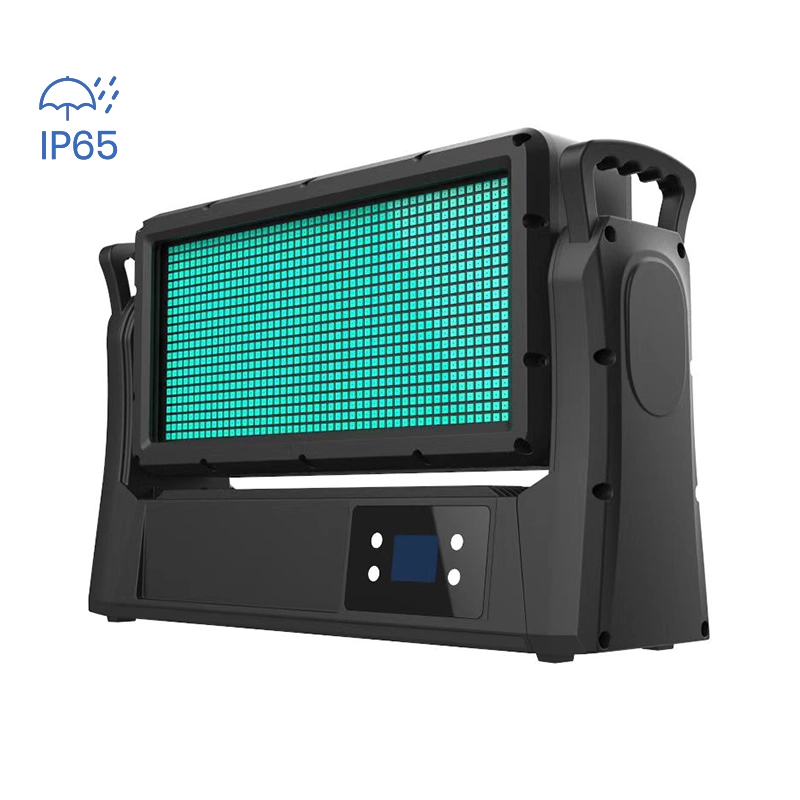
Key differences: outdoor-rated professional fixtures include certified weatherproofing, better thermal management, industrial connectors (Neutrik powerCON, IP-rated data connectors), UL/CE listings, higher-quality drivers, and serviceability. Low-cost strips often save upfront cost but may fail early in weather exposure or cause color shift. Compare these factors:
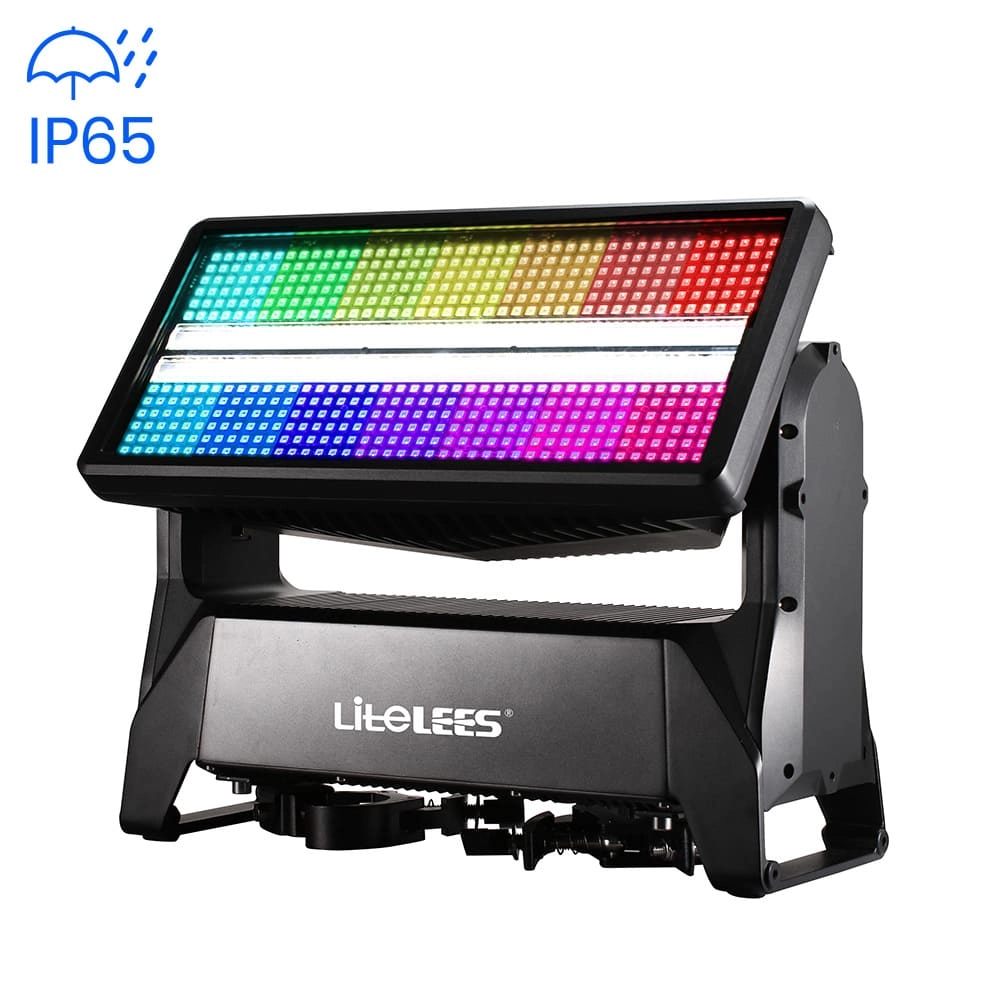
- Ingress protection: for permanent exterior installations choose IP65 (splash), IP66 (powerful jets), or IP67 (temporary immersion) depending on exposure. Low-cost strips with IP65 silicone coating may still have vulnerable solder joints at cut points.
- Thermal management and longevity: professional fixtures use aluminum housings and regulated LED drivers to manage junction temperatures. Cheap strips often overheat, accelerating lumen depreciation (L70 occurs faster).
- Serviceability: professional fixtures are modular — drivers or LED modules can be replaced in the field. Cheap strips are often a single sealed unit that requires full replacement.
- Certifications and warranties: look for 3–5 year warranty, CE/UKCA/UL listings, and manufacturer test data for salt-spray, UV resistance, and UV-stable diffusers for architectural installations.
- Cost-of-ownership: although strips are cheaper initially, factor in replacement cycles, labor for re-installation, and potential warranty failures. For high-visibility branding projects, professional IP-rated fixtures usually have lower TCO over 3–5 years.
6. What are the real-world maintenance costs and common failure modes for RGB LED fixtures on a touring production, and how should I budget for them?
Common failure modes:
- LED driver failure: often due to loose connections, power spikes, or moisture. Drivers usually fail before LEDs and are replaceable on professional fixtures.
- Power supply/connector wear: touring rhythms stress connectors (powerCON, XLR/etherCON). Use robust cabling and secure lacing points to avoid intermittent power and DMX issues.
- Optics and fans: dust, mechanical impact, or fan bearing wear can reduce output or cause overheating. Some modern fixtures use passive cooling which reduces fan-related maintenance but needs good thermal design.
- LED binning drift and individual LED failures: single-LED failures in addressable arrays or modules may cause visible dead pixels; quality fixtures allow module replacement.
Budgeting guidance (per fixture, annual basis):
- Spare parts: reserve ~10% of fixture count in spare drivers/LED modules and 5% in spare fixtures for fast swaps during tours.
- Preventive maintenance: schedule annual cleaning, firmware updates, and connector replacement where needed. Estimate 1–3% of fixture cost per year for routine maintenance on professional gear.
- Unexpected repairs: set aside 5–15% of annual lighting budget for repairs/replacements depending on touring intensity and road conditions.
- Labor: account for truss tech time for removal/installation and bench testing — often the largest hidden cost. Pre-built harnesses and quick-disconnect cabling lower labor hours.
Example: For a rig of 40 mid‑level moving head wash fixtures averaging $1,200 each, a conservative annual maintenance reserve would be:
- Spare parts: 4 drivers/modules ≈ $800–1,200
- Preventive maintenance: 1–3% × $48,000 ≈ $480–1,440
- Unexpected repairs reserve: 5–15% × $48,000 ≈ $2,400–7,200
Additional advice: insist on firmware update access, buy fixtures with easily replaceable electronic modules, and train your crew to carry ESD-safe spares and basic diagnostics (multimeter, DMX tester, small spectrometer/colorimeter for color matching).
Concluding summary
RGB LED fixtures deliver powerful flexibility for branding and shows: they allow pixel-mapped graphics, accurate brand color replication (with calibration and the right hardware), energy-efficient stage illumination, and interactive effects. Choosing the right mix of RGB vs RGBW/RGBA, addressing power and DMX/Art‑Net architecture, and planning for maintenance will maximize uptime and color fidelity. For outdoor branding, prioritize IP-rated professional fixtures to reduce total cost of ownership. For touring pixel rigs, plan universes carefully and invest in good controllers and spare parts.
Ready to specify fixtures or get a quote? Contact us for a custom quote at Litelees: www.litelees.com or email litelees@litelees.com.
Products
Do your lights support DMX512 and other control protocols?
Yes. All LiteLEES stage lights are fully compatible with DMX512. Many models also support RDM, Art-Net, and wireless DMX (optional), ensuring seamless integration with modern lighting control systems.
What is the lifespan of your LED stage lights?
Our LED lights use high-quality chips with a rated lifespan of over 50,000 hours. Proper usage and maintenance ensure long-term reliability and stable performance, making them a smart investment for any venue.
Can I customize the functions or software of the lights?
Absolutely. As a manufacturer with independent R&D capabilities, we offer customization for both hardware and software (such as DMX channel layout, built-in programs, or UI language). Contact us with your project needs, and our team will provide tailored solutions.
Company
Where is LiteLEES located?
Our headquarters and manufacturing facility are located in Guangzhou, China, with products exported to over 70 countries worldwide.
What is LiteLEES’s main business?
LiteLEES specializes in the design, development, manufacturing, and sales of professional stage lighting, including moving head lights, beam lights, spot lights, wash lights, and LED par lights.
Stormy Supreme 600 IP
LP Profile 900
Stormy STRIKE M IP
Want to get more up-to-date news?
If you have any comments or good suggestions, please leave us a message; later our professional staff will contact you as soon as possible.

We are professional stage lighting manufacturers offering OEM and ODM LED stage lights.
Contact
Email us
Call us
Address
No.6 Longnan Road, Huashan Town, Huadu District Guangzhou, Guangdong Province, China.
LiteLEES Professional
Less Lighting