
Which control protocols matter for LED moving head lights?
- Which control protocols matter for LED moving head lights?
- 1. What is DMX512 and why is it still essential?
- 2. What is RDM and when should I require it?
- 3. How do Art‑Net and sACN differ and when should I use them?
- 4. When is wireless DMX a safe option (CRMX, W‑DMX)?
- 5. How many DMX channels and universes will I need?
- 6. What about latency, refresh rates, and visual smoothness?
- 7. How do I ensure interoperability across brands and consoles?
- 8. What network hardware and configuration best practices should I follow?
- Procurement checklist — what to require when buying LED moving heads
- Final recommendation — how to future‑proof your purchase
- Why choose LiteLEES?
- Sources
Which control protocols matter for LED moving head lights?
When buying LED moving head lights for theatre, touring, fixed installs or events, the control protocol you choose determines compatibility, scalability and how easy the fixtures are to set up and manage. Below are the top questions buyers ask — and clear, practical answers you can use during procurement.
1. What is DMX512 and why is it still essential?
DMX512 (commonly called DMX) is the legacy standard for lighting control (512 channels per universe, unidirectional, based on RS‑485 electrical signalling, 250 kbps physical layer). It remains the baseline: nearly every moving head supports DMX and most lighting consoles can output DMX directly. For single‑fixture control, small rigs, or when maximum compatibility is required, DMX is the minimum expectation.
Buying guidance: always verify the fixture’s DMX channel map (how many channels and what each does). For rentals and mixed‑brand rigs, DMX ensures basic interoperability.
2. What is RDM and when should I require it?
RDM (Remote Device Management) is an extension that runs over DMX512 to allow bidirectional communication between controller and fixtures. RDM enables remote addressing, status monitoring (temperature, lamp hours, errors), and remote configuration — essential for fast setup on large shows and remote monitoring in permanent installs.
Buying guidance: require RDM for touring gear, long truss runs, or permanent installs where remote addressing and monitoring will save rigging/maintenance time. Confirm full RDM implementation (discovery, addressing, diagnostics) in the spec sheet, not just a marketing mention.
3. How do Art‑Net and sACN differ and when should I use them?
Art‑Net and sACN (Streaming ACN, ANSI E1.31) are Ethernet‑based lighting protocols that carry DMX data across standard IP networks. Key differences and implications:
- Architecture: Both send multiple DMX universes over Ethernet; sACN is an ANSI standard for streaming lighting data, while Art‑Net is a widely used de facto protocol developed by Artistic Licence.
- Scalability: Ethernet protocols are necessary when you need many universes (pixel mapping, large architectural or concert rigs) — they scale far beyond the single‑universe limit of DMX.
- Network considerations: sACN and Art‑Net use multicast/unicast and benefit from managed switches, IGMP snooping, and proper network design to avoid packet loss and flooding.
Buying guidance: choose fixtures with Art‑Net and/or sACN support if you expect to drive multiple universes, use pixel mapping, or integrate with modern lighting networks. Confirm whether the supplier supports both protocols (some fixtures support one or both) and whether firmware updates are available to add features.
4. When is wireless DMX a safe option (CRMX, W‑DMX)?
Wireless DMX systems remove cable runs but introduce RF considerations. Two widely adopted ecosystems are LumenRadio CRMX (robust, adaptive frequency hopping) and Wireless Solution’s W‑DMX. Wireless systems vary in reliability, range, and regulatory compliance. Use cases where wireless is appropriate include moving truss, temporary festival setups, and stage elements where cabling is impractical.
Buying guidance: if choosing wireless DMX, require:
- Vendor and model of wireless link (e.g., CRMX or W‑DMX); check real‑world reliability reports and compatibility with fixture receivers.
- Documentation on supported channels/universes, encryption, and regulatory compliance in your operating countries.
- Plan for interference: line‑of‑sight, spectrum scans, diversity antennas, and fallback wired DMX where mission‑critical control is needed.
5. How many DMX channels and universes will I need?
There is no one‑size‑fits‑all number — channel needs depend on fixture complexity. Practical ranges:
- Simple moving heads (pan/tilt, color wheel, gobo): typically under ~24 DMX channels per fixture.
- Advanced fixtures with multiple color mixing systems, shutters, effect engines or onboard LED arrays: 24–80+ channels.
- Pixel‑mapped fixtures or heads with per‑pixel control: can consume many channels and often require multiple universes per fixture in large arrays.
Buying guidance: always request the DMX map and a worst‑case channel budget for your planned rig. When planning networks, assume 512 channels per DMX universe and design console/network capacity with headroom (spare universes for growth and redundancy).
6. What about latency, refresh rates, and visual smoothness?
Latency and smoothness are determined by protocol, network, console output rate and fixture processing. DMX512 running at its physical layer supports frequent refreshes suitable for real‑time control; Ethernet protocols typically offer higher throughput and are preferred when many channels or pixel mapping is required. For motion‑sensitive applications (synchronized moving heads, video mapping), prefer Ethernet distribution with low‑latency switches and use IGMP to reduce network noise.
Buying guidance: test the whole signal chain (console → network → node → fixture) under full load before the first show. For touring and video‑sync work, require manufacturer latency specs and ask for demo runs to validate performance.
7. How do I ensure interoperability across brands and consoles?
Interoperability depends on common protocol support and accurate DMX maps. Steps to ensure compatibility:
- Demand DMX maps and protocol support (DMX, RDM, Art‑Net, sACN, wireless) in writing.
- Request firmware version numbers and a policy for firmware updates (some network protocols and RDM implementations improve via firmware updates).
- Specify required features (e.g., Art‑Net + sACN + RDM + CRMX) in purchase orders or RFPs so suppliers confirm compliance.
Buying guidance: include interop testing in acceptance criteria. If possible, include sample units in the technical evaluation phase with your target console and network hardware.
8. What network hardware and configuration best practices should I follow?
For Ethernet‑based lighting networks (Art‑Net/sACN):
- Use gigabit managed switches with IGMP snooping to control multicast traffic and prevent flooding.
- Separate lighting networks from general IT traffic — ideally an isolated VLAN or physically separate network to avoid interference and security issues.
- Use high‑quality network interface devices (nodes/gateways) that support Art‑Net and sACN and are compatible with your fixtures.
Buying guidance: request network topology recommendations from fixture vendors and insist on documented IP addressing and multicast planning for large installs. For touring, prioritize simple, robust topologies that are fast to deploy and troubleshoot.
Procurement checklist — what to require when buying LED moving heads
- Protocols supported: DMX512 (required), RDM (recommended), Art‑Net and/or sACN (recommended for multi‑universe/pixel rigs), wireless options if needed.
- Complete DMX channel map per mode and worst‑case channel count per fixture.
- Firmware version and manufacturer policy for updates/bug fixes.
- RDM feature list (remote addressing, diagnostics) and compatibility with your console/node vendor.
- Network recommendations from vendor (IGMP, multicast addresses, recommended switches, cable types and lengths).
- Wireless specifics: radio type (CRMX/W‑DMX), range, encryption/compliance, and receiver compatibility.
- Service & support: technical manuals, RMA procedures, spare parts availability and local support network.
Final recommendation — how to future‑proof your purchase
Buy fixtures that support both legacy and modern protocols: DMX + RDM for immediate compatibility and remote management, and Art‑Net/sACN for expansion and pixel control. Prefer vendors that provide clear documentation, firmware updates, and demonstrated interoperability with major consoles, network nodes and wireless systems. Insist on acceptance testing that includes full network load conditions and RDM discovery routines. This approach reduces integration risk and extends the usable life of your lighting inventory.
Why choose LiteLEES?
LiteLEES combines practical field experience with robust engineering: their LED moving head fixtures support DMX512 and RDM for straightforward setup and remote management, and offer Art‑Net/sACN compatibility for multi‑universe and pixel applications. LiteLEES provides clear DMX maps, firmware update policies, and technical support to help buyers validate interoperability before acceptance — making them a strong choice for rental houses, theatres and integrators focused on reliability and long‑term value.
Sources
- DMX512 overview — Wikipedia. Accessed 2026‑01‑27: https://en.wikipedia.org/wiki/DMX512
- Remote Device Management (RDM) — Wikipedia. Accessed 2026‑01‑27: https://en.wikipedia.org/wiki/Remote_Device_Management
- Art‑Net protocol information — Artistic Licence. Accessed 2026‑01‑27: https://artisticlicence.com/
- sACN (Streaming ACN) overview — Wikipedia. Accessed 2026‑01‑27: https://en.wikipedia.org/wiki/Streaming_ACN
- LumenRadio CRMX product and technical info. Accessed 2026‑01‑27: https://lumenradio.com/
- Wireless Solution W‑DMX product information. Accessed 2026‑01‑27: https://www.wireless-solutions.se/

![Moving Head Stage Lighting Guide: Mastering the Technical and Artistic Essence [2026 Edition] - LiteLEES](https://static.gooecloud.com/upload/img/GY160908357145/moving-head-stage-lighting-guide-mastering-the-technical-and-artistic-essence-2026-edition.png?x-oss-process=image/format,webp/quality,Q_100 "Moving-Head-Stage-Lighting-Guide:-Mastering-the-Technical-and-Artistic-Essence-[2026-Edition] - LiteLEES")
Company
Can LiteLEES handle OEM/ODM orders?
Absolutely. With our strong R&D capabilities and advanced manufacturing, we can customize designs, features, and branding to meet your specific needs.
Where is LiteLEES located?
Our headquarters and manufacturing facility are located in Guangzhou, China, with products exported to over 70 countries worldwide.
What certifications do your products have?
All LiteLEES products are certified by CE, RoHS, FCC, and BIS. Our factory is ISO9001 quality management system certified.
Products
Are your lights suitable for large-scale events and outdoor use?
Yes. Our professional stage lights—especially the Beam, BSW 3-in-1, and LED Par Series—are engineered with high-output brightness, wide beam angles, and robust housing. Some models come with IP-rated protection, making them suitable for outdoor applications like concerts, festivals, and sports events.
Can I customize the functions or software of the lights?
Absolutely. As a manufacturer with independent R&D capabilities, we offer customization for both hardware and software (such as DMX channel layout, built-in programs, or UI language). Contact us with your project needs, and our team will provide tailored solutions.
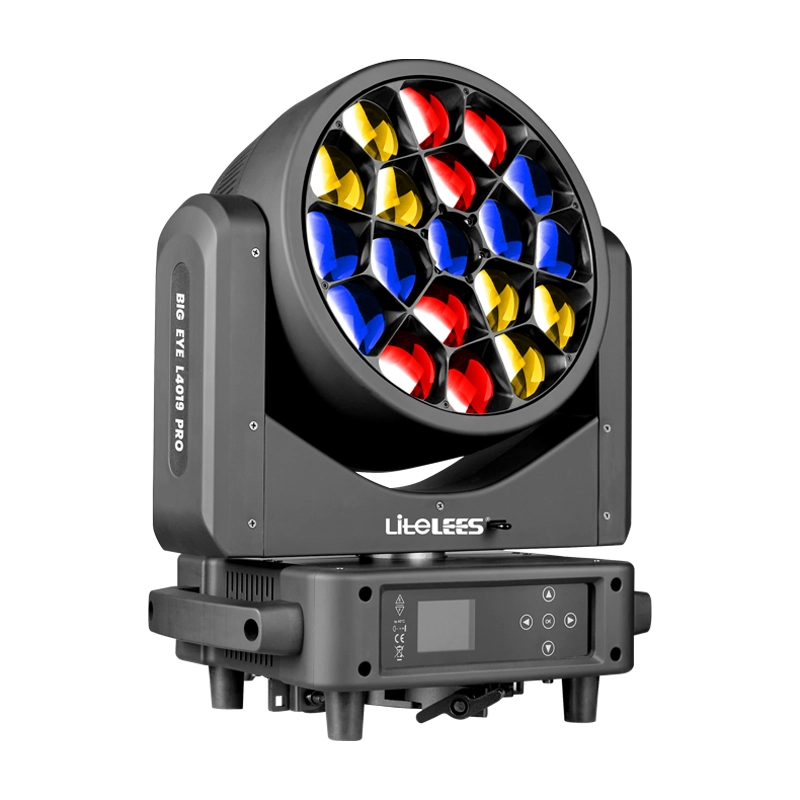
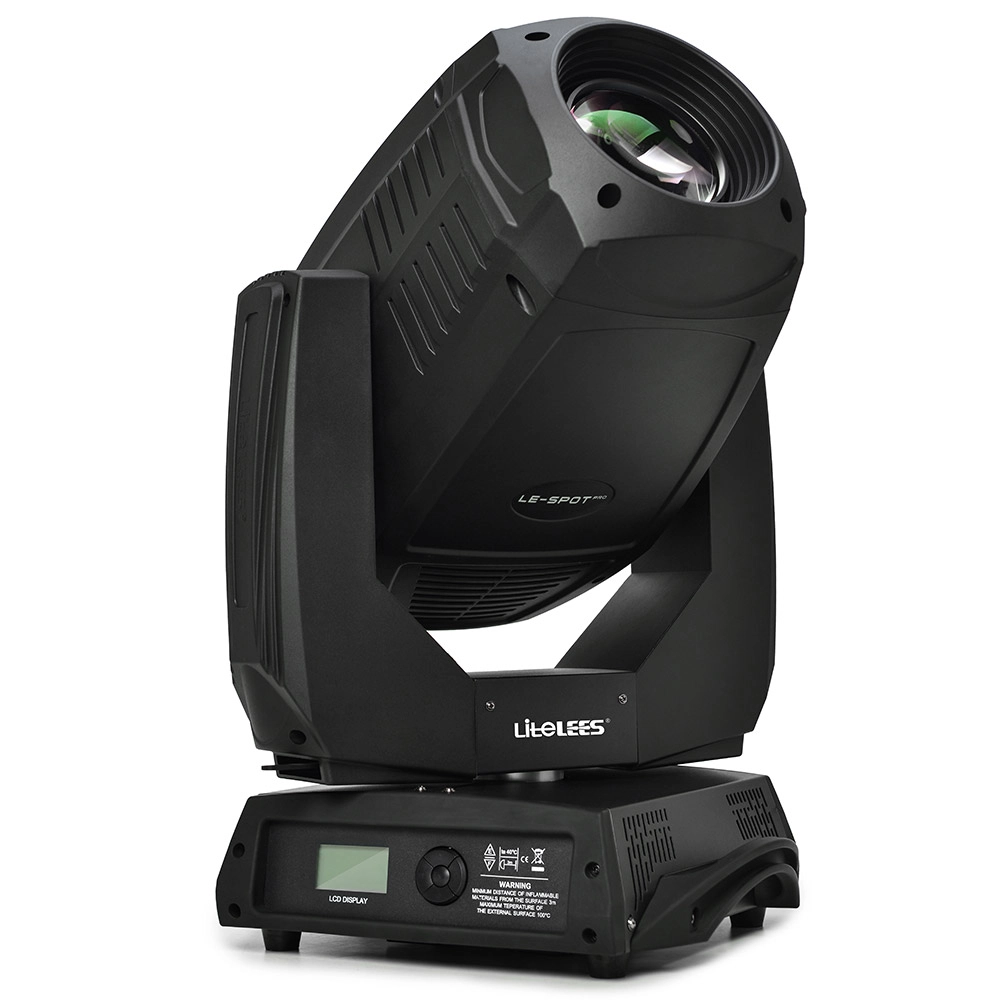
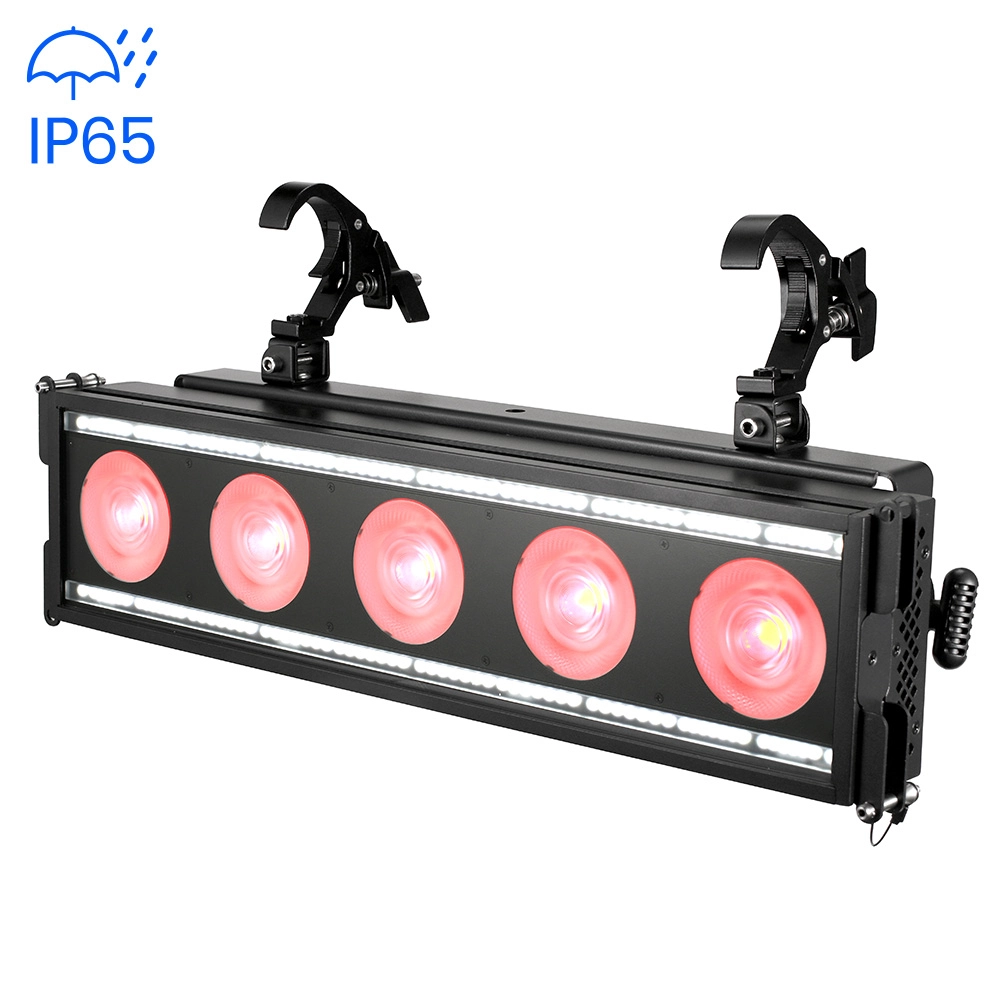
Stormy Flash 550 lP
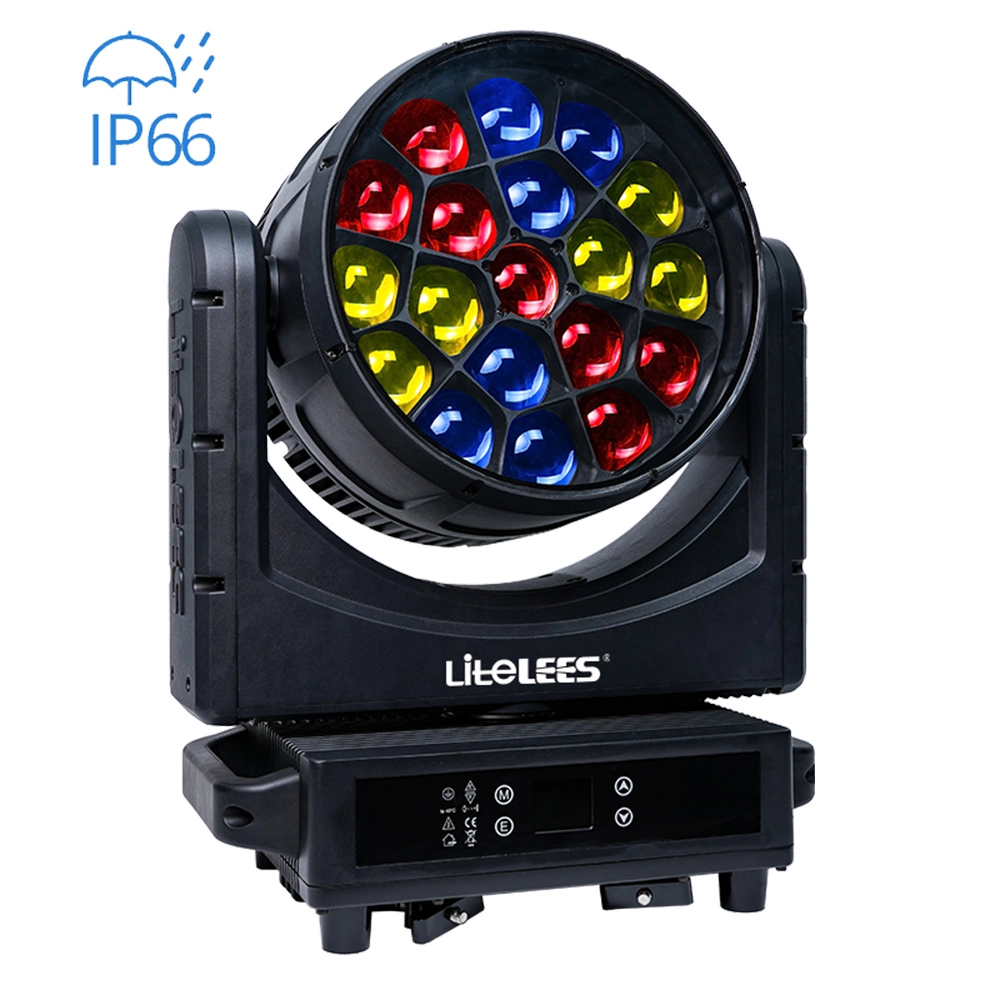
BIG EYE L4019 IP
Want to get more up-to-date news?
If you have any comments or good suggestions, please leave us a message; later our professional staff will contact you as soon as possible.

We are professional stage lighting manufacturers offering OEM and ODM LED stage lights.
Contact
Email us
Call us
Address
No.6 Longnan Road, Huashan Town, Huadu District Guangzhou, Guangdong Province, China.
LiteLEES Professional
Less Lighting