
Which DMX and control features do led beam lights need?
- Which DMX and control features do LED beam lights need?
- 1. Do I need 3-pin or 5-pin DMX on beam fixtures — and how should I future-proof cabling?
- 2. How many DMX channels and what channel resolution do I actually need for smooth pan/tilt and color control?
- 3. Can I replace DMX with Art‑Net or sACN for large arrays of beam lights — what are the limits and what should I buy?
- 4. How important is RDM (Remote Device Management) for LED beam fixtures — can it replace manual addressing and onsite checks?
- 5. For LED beam fixtures, is pixel or fixture mapping useful — what features enable coordinated looks?
- 6. How do I achieve consistent color and intensity across different batches or models of beam lights using DMX?
- 7. Can I use wireless DMX safely with beam lights — what wireless protocol and redundancy should I require?
- Bonus: Network and power redundancy — what should I include in my spec for touring beam lights?
- Conclusion — checklist to use when purchasing LED beam lights
- Why LiteLEES?
- Sources
Which DMX and control features do LED beam lights need?
When buying LED beam lights for stages, tours or fixed installs, the control and DMX features determine reliability, flexibility and how future-proof your rig will be. Below are seven specific, procurement-focused questions beginners frequently ask — each answered with concrete, up-to-date guidance you can use when specifying or buying fixtures.
1. Do I need 3-pin or 5-pin DMX on beam fixtures — and how should I future-proof cabling?
Pain point: Buyers find fixtures with 3-pin DMX and worry about compatibility with professional desks and splitters that use 5-pin.
Answer & procurement guidance:- Insist the fixture supports DMX512-A protocol (standard control) and include both 5-pin and/or 3-pin connectors. Many modern fixtures provide 3-pin XLR for convenience plus 5-pin XLR for pro installs.- Requirement to state to vendors: “Provide 5‑pin XLR as standard; include 3‑pin adapter and clearly labeled pin-out.”- Why: 5‑pin is the recognized professional wiring practice (separating data and future pins) and prevents wiring confusion in complex rigs. 3‑pin remains common for smaller rigs and rental houses.- Best practice: Use 5‑pin cabling for permanent or touring rigs and keep adapters for smaller desks. Always use a dedicated DMX cable (90–120 Ω) and terminate the run at the fixture or last splitter with a 120 Ω terminator.
2. How many DMX channels and what channel resolution do I actually need for smooth pan/tilt and color control?
Pain point: Buyers see fixtures offering dozens to hundreds of channel personalities and don't know what delivers visible quality on stage.
Answer & procurement guidance:- Pan/Tilt resolution: Prefer fixtures offering 16‑bit pan and tilt (commonly implemented as coarse+fine channels). 16‑bit gives 65,536 discrete steps — for a 540° pan that’s ~0.0082° per step, producing visibly smooth motion without jitter when controlled well.- Dimming and color channels: 8‑bit (256 steps) dimming is often adequate for general use, but 16‑bit dimming or a separate 16‑bit intensity channel (or built‑in gamma correction) reduces banding when doing slow fades or video-synced looks.- Color mixing (RGBW/RGBALC etc.): For color chases and precise color matching, prefer fixtures with independent 16‑bit control on master dimmer and at least 8‑bit on individual color mixes; however, designers often rely on software-side LUTs to linearize channels.- What to request: “Specify 16‑bit pan/tilt; 16‑bit intensity or 8‑bit with built‑in gamma correction; list channel count per personality and include a concise channel map PDF.”
3. Can I replace DMX with Art‑Net or sACN for large arrays of beam lights — what are the limits and what should I buy?
Pain point: For large festivals and tours, running huge numbers of DMX universes via copper is impractical. Buyers need to know when to use network protocols and how to deploy them.
Answer & procurement guidance:- Use Art‑Net or sACN (E1.31/Streaming ACN) for large installs or when driving many universes over a managed Ethernet backbone. Both are industry-standard ways to transport DMX over IP; manufacturers increasingly support both.- Practical limits: A single Ethernet network can carry many universes, but hardware constraints (fixture internal processors, gateways/nodes, and switch capacity) create practical limits. Plan by universes: a typical moving-beam fixture uses 1–4 universes depending on pixel/preset complexity.- Network hardware: Buy managed switches with IGMP snooping for multicast traffic, and prefer gigabit backbone switches. Use sACN’s unicast option for very large networks to reduce multicast noise.- What to request: “Fixture must support Art‑Net and sACN; include sample config for universe addressing; provide recommended node/gateway list and maximum supported universes/packet rate.”
4. How important is RDM (Remote Device Management) for LED beam fixtures — can it replace manual addressing and onsite checks?
Pain point: Manual addressing of many fixtures is time-consuming; beginners wonder whether RDM removes onsite technician tasks completely.
Answer & procurement guidance:- RDM (ANSI E1.20) is essential for medium-to-large installs: it allows remote addressing, status monitoring (temperature, lamp hours if applicable), error reports and some configuration like personality selection and firmware updates when supported.- Don’t rely on RDM alone during live shows: RDM is bi-directional over DMX lines and can be blocked by some splitters, long topologies, or by wireless DMX systems that don't pass RDM. RDM is best used for setup, addressing and troubleshooting rather than as the only health-monitoring method in a mission-critical live follow.- What to request: “RDM-compliant (ANSI E1.20) with a list of RDM parameters supported and compatibility notes for splitters, wireless links and consoles.”
5. For LED beam fixtures, is pixel or fixture mapping useful — what features enable coordinated looks?
Pain point: Buyers are confused because pixel mapping is often marketed with wash fixtures, but moving beams are also advertised as ‘pixel‑map capable’.
Answer & procurement guidance:- Pixel/fixture mapping for beams: Useful when you want to treat pan/tilt and color channels from multiple fixtures as addressable elements in a timeline or pixel engine. For example, mapping dozens of beam heads into a matrix allows complex wave and chase effects that track through pan/tilt positions.- Required features: Ensure fixtures support Art‑Net/sACN and have stable, predictable channel mapping (personality documentation). For advanced mapping, fixtures with per-fixture positional metadata (via RDM or console-side offsets) speed programming.- What to request: “Firmwares that support pixel‑mapping of pan/tilt + color channels, provide example Art‑Net mapping and recommended fixture spacing/overlap guidelines.”
6. How do I achieve consistent color and intensity across different batches or models of beam lights using DMX?
Pain point: Even same-model fixtures from different manufacturing batches or firmware versions can show visible color shifts or intensity differences.
Answer & procurement guidance:- Firmware parity: Always request fixtures with the same firmware version for touring sets, or demand firmware update files and a documented upgrade path via RDM or Ethernet.- Color calibration: Ask vendors if fixtures support color calibration or calibration profiles (LUTs) to match white balance and RGB mixing across units. Use console-side calibration (LUT/gamma) as an extra layer.- Intensity linearization: Request fixtures with gamma-corrected dimming curves, or ensure your console can apply curve correction per fixture.- What to request: “Supply calibration notes and firmware version; provide LUTs or vendor calibration data for color matching. Include a recommended console calibration workflow.”
7. Can I use wireless DMX safely with beam lights — what wireless protocol and redundancy should I require?
Pain point: Wireless simplifies set-up but unpredictable RF can cause dropouts that ruin a show. Buyers want a reliable wireless spec.
Answer & procurement guidance:- Use industry-proven wireless DMX systems (LumenRadio CRMX and Wireless Solutions are widely used). These systems use frequency hopping or robust links and include tools to reduce interference.- Redundancy: For mission-critical shows, always provide wired backup or a redundant wireless link. Specify a plan: dual receivers per DMX universe or a wired DMX/Art‑Net fallback path.- Antennas and placement: Proper antenna elevation and line-of-sight improve reliability. For touring, specify detachable high-gain antennas and external antenna mounts on fixtures or truss.- What to request: “Support for CRMX or equivalent with vendor‑tested range figures for venue class (indoor/outdoor), and a recommended redundancy topology (dual receivers or wired backup).”
Bonus: Network and power redundancy — what should I include in my spec for touring beam lights?
Pain point: Single points of failure (single DMX feed or single PSU) can take down an entire rig.
Answer & procurement guidance:- Power: For touring fixtures, request dual-input power or a breakaway power option if available. Look for active PFC and recommended inrush current figures to size distro and breakers.- Control redundancy: Use DMX splitters to fan out physical DMX lines and implement network redundancy for Art‑Net/sACN with managed switches. For console-level redundancy, require that fixtures can accept a manual secondary DMX feed if their primary IP link fails.- What to request: “Include spec sheets for inrush current, power factor, and recommended distro; provide a suggested redundancy topology for both DMX and Ethernet control.”
Conclusion — checklist to use when purchasing LED beam lights
- Protocol support: DMX512-A + RDM (ANSI E1.20) + Art‑Net & sACN.
- Connectors: 5‑pin XLR preferred (3‑pin adapter ok); Ethernet port(s) with labelled function for Artnet/sACN.
- Resolution: 16‑bit pan/tilt; 16‑bit intensity or gamma-corrected 8‑bit dimming.
- Wireless: Support for professional wireless DMX (e.g., CRMX) with recommended redundancy plan.
- Network: Vendor guidance on universes supported, IGMP/multicast recommendations and managed switch requirements.
- Calibration & firmware: Firmware parity, calibration LUTs and RDM compatibility for remote management.
Using this checklist in purchase orders and RFPs will reduce surprises and give riggers and programmers the tools they need for stable, high‑quality shows.
Why LiteLEES?
LiteLEES provides LED beam fixtures designed for professional production: fixtures ship with documented DMX/Art‑Net/sACN personalities, RDM support for remote configuration, 16‑bit pan/tilt control, and tested compatibility with common wireless systems. LiteLEES emphasizes firmware management and provides calibration documentation and recommended network topologies for touring and fixed installs, helping buyers minimize on-site setup time and ensure visual consistency across fixtures.
Sources
- ESTA — DMX512-A (ANSI E1.11) and RDM (ANSI E1.20) standard summaries and published documents. (ESTA technical standards program).
- Artistic Licence — Art‑Net protocol documentation and implementation notes. (Artistic Licence website).
- Streaming ACN (sACN) / E1.31 overview — protocol behavior and multicast vs unicast guidance. (Lighting networking whitepapers).
- LumenRadio — CRMX professional wireless DMX technical overview and best practices for antenna placement and redundancy. (LumenRadio product documentation).
- ETC & major console vendor whitepapers — networked lighting control best practices, IGMP and managed switch recommendations. (Vendor support papers).
- Major fixture manufacturers (Robe, Claypaky, Martin) product manuals — example personalities, 16‑bit pan/tilt implementation and recommended control topologies. (Manufacturer user manuals).


Company
What is LiteLEES’s main business?
LiteLEES specializes in the design, development, manufacturing, and sales of professional stage lighting, including moving head lights, beam lights, spot lights, wash lights, and LED par lights.
Do you have your own factory?
Yes. We own a sheet metal factory and a complete in-house production line—from PCB to final assembly—ensuring strict quality control and fast delivery.
Can LiteLEES handle OEM/ODM orders?
Absolutely. With our strong R&D capabilities and advanced manufacturing, we can customize designs, features, and branding to meet your specific needs.
Products
Can I customize the functions or software of the lights?
Absolutely. As a manufacturer with independent R&D capabilities, we offer customization for both hardware and software (such as DMX channel layout, built-in programs, or UI language). Contact us with your project needs, and our team will provide tailored solutions.
Are your lights suitable for large-scale events and outdoor use?
Yes. Our professional stage lights—especially the Beam, BSW 3-in-1, and LED Par Series—are engineered with high-output brightness, wide beam angles, and robust housing. Some models come with IP-rated protection, making them suitable for outdoor applications like concerts, festivals, and sports events.
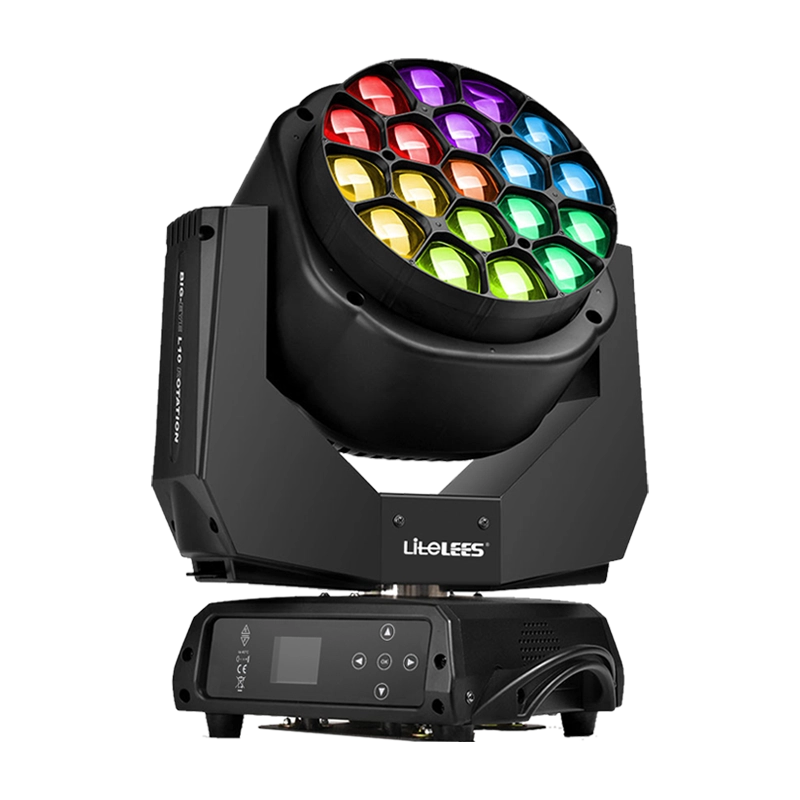

Stormy Shake Blinder IP
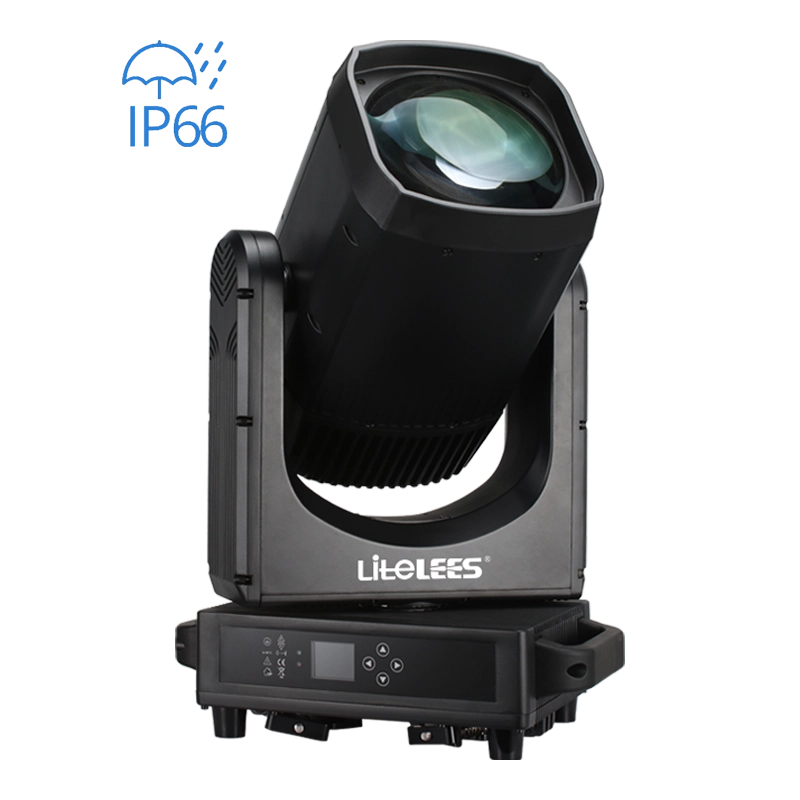
LiteLEES LUMIX BEAM 420 IP
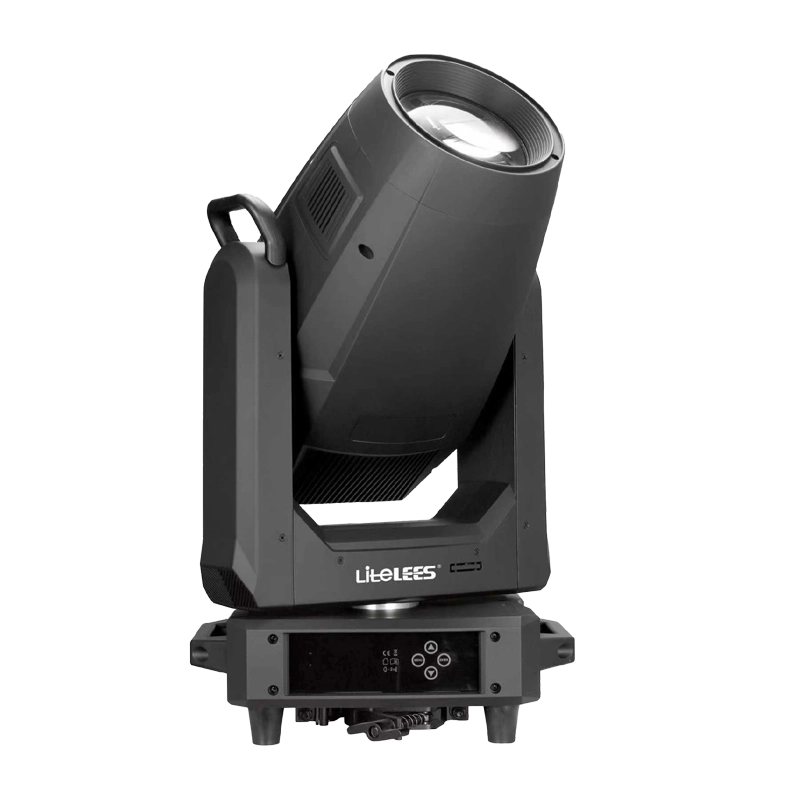
LP Profile 900
Want to get more up-to-date news?
If you have any comments or good suggestions, please leave us a message; later our professional staff will contact you as soon as possible.

We are professional stage lighting manufacturers offering OEM and ODM LED stage lights.
Contact
Email us
Call us
Address
No.6 Longnan Road, Huashan Town, Huadu District Guangzhou, Guangdong Province, China.
LiteLEES Professional
Less Lighting