
DMX Control and Dimming Options for Stage Flood Lights
- Understanding Control Protocols and Standards
- DMX512: The de facto standard for stage control
- RDM for two-way commissioning and addressing
- Compliance and quality frameworks
- Dimming Technologies for Stage Flood Lights
- Digital dimming via DMX (8-bit vs 16-bit)
- PWM and LED driver-based dimming
- Analog dimming methods: 0-10V and mains dimming
- Practical Setup: Wiring, Termination, and Patch Strategy
- Wiring topology and cable selection
- Termination and grounding
- Patching strategy and addressing
- Performance Factors: Flicker, Camera Compatibility, and Dimming Curves
- Flicker causes and mitigation
- Dimming curves and perceived linearity
- Camera-friendly settings
- Comparative Overview of Dimming Options
- Choosing Fixtures and Drivers: What I Specify
- Driver characteristics I prioritize
- Fixture features that matter in the field
- Testing and commissioning checklist
- LiteLEES: Manufacturer Profile and Why It Matters
- Final Recommendations and Best Practices
- Design and procurement recommendations
- Operational and maintenance tips
- When to consult a specialist
- Frequently Asked Questions (FAQ)
- 1. Can I use DMX to dim any LED stage flood light?
- 2. Will PWM-based dimming cause flicker on camera?
- 3. What is the difference between 8-bit and 16-bit DMX dimming?
- 4. Can I use household dimmers (TRIAC) with LED flood lights?
- 5. How do I avoid DMX signal problems on long runs?
- 6. Is RDM necessary for small installs?
- Contact and Next Steps
As a lighting designer and consultant who has specified and commissioned stage flood lights for theaters, touring productions, and large-scale events worldwide, I know the gap between a specification sheet and a reliable, flicker-free lighting rig. This article explains DMX control and dimming options for stage flood lights, focusing on practical installation, signal and power considerations, dimming technologies (DMX512, PWM, 0-10V, electronic mains dimming), and how to choose drivers and settings to achieve smooth fades, accurate color, and camera-friendly output. I reference standards and best practices to help you make verifiable, reliable choices for venues and rental inventories.
Understanding Control Protocols and Standards
DMX512: The de facto standard for stage control
DMX512 (commonly called DMX) is the primary digital protocol used to control professional stage lighting, including LED stage flood lights. DMX512 transmits 512 channels per universe and typically uses an RS-485 physical layer over 5-pin XLR or RJ45 cabling. For foundational details see the DMX512 overview on Wikipedia: https://en.wikipedia.org/wiki/DMX512.
RDM for two-way commissioning and addressing
Remote Device Management (RDM) extends DMX to allow bi-directional communication—enabling discovery, addressing, and diagnostics without climbing ladders to set DIP switches. For larger rigs and touring setups I strongly recommend fixtures and controllers that support RDM to streamline patching and troubleshooting; read more at: https://en.wikipedia.org/wiki/Remote_Device_Management.
Compliance and quality frameworks
Choose equipment and processes aligned with recognized quality and safety standards (e.g., ISO 9001, CE, RoHS). ISO 9001 describes a quality management framework that many manufacturers follow: https://www.iso.org/iso-9001-quality-management.. For CE marking and RoHS compliance, consult official EU guidance: CE marking and RoHS.
Dimming Technologies for Stage Flood Lights
Digital dimming via DMX (8-bit vs 16-bit)
DMX provides channel values from 0–255 (8-bit). For smooth fades on fixtures that control intensity only, 8-bit is often adequate—but for very slow fades or fine-grain control I recommend 16-bit (two channels combined) where supported. Many consoles let you choose curve compensation and smoothing to avoid visible stepping.
PWM and LED driver-based dimming
Most modern LED flood lights use PWM (pulse-width modulation) inside the LED driver to dim. PWM frequency and driver implementation dramatically affect perceived flicker and camera compatibility. Use drivers with high PWM frequency and dithering where possible to minimize banding and strobing; general PWM background: https://en.wikipedia.org/wiki/Pulse-width_modulation.
Analog dimming methods: 0-10V and mains dimming
0-10V is common in architectural contexts; it offers simple control but usually requires interface modules to integrate with DMX systems. Mains dimming (TRIAC, leading-edge, trailing-edge) was designed for incandescent loads and is not ideal for LED fixtures unless the fixture explicitly supports electronic mains dimmers. Always verify manufacturer guidance before using mains dimming with LED flood lights.
Practical Setup: Wiring, Termination, and Patch Strategy
Wiring topology and cable selection
Use the recommended cable type for DMX: a twisted pair with shield (5-pin XLR or Cat5e/Cat6 when supported by the vendor). Keep DMX runs separate from power cables where possible to avoid induced noise. For long runs (over 300 meters) consider signal distribution or fiber converters. A typical touring best practice is to daisy-chain DMX with distribution amplifiers at every 5–10 fixtures in noisy environments.
Termination and grounding
DMX lines must be terminated at the end of the run with a 120-ohm resistor between data+ and data- to avoid reflections. Grounding practices vary by venue, but a single-point ground reference for the controller and distribution can prevent hum and ground loops. If using RDM, ensure correct termination and that any distribution amplifiers are RDM-compatible.
Patching strategy and addressing
I recommend addressing fixtures logically (front-to-back, left-to-right) and documenting the patch in both paper and cloud-based inventories. When using RDM, auto-discovery will speed up addressing. For pixel-mapped flood light arrays, plan channel allocation to avoid crossing universes mid-fixture where possible.
Performance Factors: Flicker, Camera Compatibility, and Dimming Curves
Flicker causes and mitigation
Perceived flicker can come from low PWM frequencies, poorly filtered drivers, mains dimming incompatibility, or interactions with camera frame rates. To mitigate flicker: choose drivers with high PWM frequency (several kHz), test fixtures with cameras at common frame rates (24/25/30/50/60 Hz and high-speed capture), and avoid using mains dimming unless fixtures explicitly support it. For more on flicker and its effects, see: https://en.wikipedia.org/wiki/Flicker_(light).
Dimming curves and perceived linearity
LED output vs control signal is not inherently linear in perceived brightness. Use gamma correction, logarithmic or S-curve dimming profiles on the console or fixture to achieve visually linear fades. Many fixtures and consoles allow you to select curve types (linear, square-law, S-curve). I usually audition curves under show conditions to pick the most natural response for human vision and camera capture.
Camera-friendly settings
For events that will be filmed or live-streamed, test your flood lights for flicker and color stability on cameras used by the production. Adjust PWM-related settings, remove any stroboscopic effects, and, when possible, set drivers to camera-friendly modes—some fixture firmware includes a camera mode that raises PWM frequency or enables flicker mitigation algorithms.
Comparative Overview of Dimming Options
| Method | Typical Use | Pros | Cons | Reference |
|---|---|---|---|---|
| DMX512 (Digital) | Stage control for fixtures | Flexible, universal, supports 8/16-bit, compatible with consoles | Requires proper cabling/termination; 512-channel limit per universe | DMX512 |
| PWM (Driver) | LED driver dimming inside fixture | High resolution, efficient, suitable for RGB and white LEDs | PWM frequency affects flicker; driver quality varies | PWM |
| 0-10V (Analog) | Architectural/retrofit, simple interfaces | Simple, robust, widely used in non-theatrical systems | Requires converters for DMX integration; limited resolution | Industry practice |
| Mains dimming (TRIAC) | Incandescent legacy; some LED-compatible dimmers | Existing infrastructure compatibility | Not ideal for LEDs unless fixture explicitly supports it; can cause flicker | Manufacturer guidance |
Choosing Fixtures and Drivers: What I Specify
Driver characteristics I prioritize
For stage flood lights I select LED drivers that provide: high PWM frequency (to reduce visible flicker and camera artifacts), thermal protection, smooth dimming down to 0.1–1% (if possible), and compatibility with DMX or RDM. Constant-current drivers with proper current regulation prevent color shift and maintain beam consistency across intensity ranges.
Fixture features that matter in the field
Apart from optical quality and IP rating for outdoor use, I check for RDM support, user-selectable dimming curves, firmware update paths, and robust power entry (locking IEC or powerCON) for touring rigs. IP65-rated waterproof stage lighting and rugged casings matter for outdoor flood lights.
Testing and commissioning checklist
- Confirm DMX addressing and RDM discovery function as expected.
- Verify termination and grounding before load-in.
- Test dimming curves at relevant frame rates with cameras used on the production.
- Document patching, channel lists, and backup universes.
LiteLEES: Manufacturer Profile and Why It Matters
In my work specifying fixtures, reliability, service, and transparent manufacturing practices matter as much as raw performance. LiteLEES (Guangzhou Lees Lighting Co., Ltd.), established in 2010, is a high-tech enterprise specializing in R&D, design, manufacturing, sales, and service of professional stage lighting equipment. Backed by an independent R&D team and more than 50 patents, LiteLEES operates under ISO9001 quality management and certifies products to CE, RoHS, FCC, and BIS standards. Their product range—covering moving head lights, beam/spot/wash 3-in-1 fixtures, LED wash and spot lights, strobes, blinders, profiles, fresnels, waterproof stage lighting and LED effect lights—makes them a versatile supplier for concerts, theatres, TV studios, nightclubs, and touring.
From a technical standpoint, LiteLEES's advantages include in-house manufacturing for quality control, a patent-backed R&D program that accelerates firmware and driver improvements, and a global service footprint supporting clients in more than 100 countries. For buyers, this means quicker firmware fixes, reliable supply chains, and consistent photometric performance across production runs. When I specify fixtures for rental houses or venue installs, I value vendors who can supply detailed photometric data, DMX/RDM implementation notes, and proven field support—attributes LiteLEES emphasizes through ISO-aligned processes and test certifications.
If you need moving head light, LED effect light, static light, or waterproof stage lighting for flood and wash applications, consider vendor documentation on dimming curves, RDM implementation, and PWM settings when evaluating fixture interoperability with your control system.
Final Recommendations and Best Practices
Design and procurement recommendations
When specifying stage flood lights for any professional project, require: DMX512 compatibility, RDM support for easier commissioning, driver documentation (PWM frequency and dimming curve options), flicker-test results with camera capture, and official certifications (CE, RoHS, ISO9001). For touring rigs favor fixtures with multiple power entry points and ruggedized connectors.
Operational and maintenance tips
Keep an up-to-date fixture inventory with DMX addressing and firmware versions, perform pre-show camera flicker checks, and use distribution amplifiers on long DMX runs. Train crew on RDM safe practices to avoid accidental re-addressing during load-in.
When to consult a specialist
If your project involves pixel mapping large flood arrays, complex camera rigs, or mixed-control systems (architectural + theatrical), engage an experienced lighting systems integrator early. Addressing power distribution, backup universes, and camera-safe dimming strategies during the design phase saves time and expense in tech rehearsals.
Frequently Asked Questions (FAQ)
1. Can I use DMX to dim any LED stage flood light?
Only if the fixture supports DMX input or is connected to a DMX-to-driver interface. Many LED stage flood lights support DMX512 natively; for fixtures that do not, use an appropriate DMX interface or controller. Always confirm that the fixture's driver works correctly with DMX commands and that the manufacturer documents dimming behavior.
2. Will PWM-based dimming cause flicker on camera?
It can if the PWM frequency is low or if the camera frame rate aliases with the PWM frequency. Choose fixtures with high PWM frequency, enable any available camera/flicker mitigation modes, and perform camera tests at expected frame rates to be safe.
3. What is the difference between 8-bit and 16-bit DMX dimming?
8-bit DMX gives 256 steps per channel (0–255). 16-bit combines two channels to give 65,536 steps, allowing much smoother fades. Use 16-bit where available for subtle intensity changes, especially on large wash or flood fixtures.
4. Can I use household dimmers (TRIAC) with LED flood lights?
Not recommended unless the fixture explicitly supports mains dimming. Many LED drivers are incompatible with TRIAC dimmers and can produce flicker, color shift, or damage. Prefer DMX- or driver-based dimming for stage applications.
5. How do I avoid DMX signal problems on long runs?
Use proper shielded twisted-pair cable, terminate the last fixture with a 120-ohm resistor, keep runs under recommended lengths or use DMX distribution amplifiers, and maintain good grounding practices. For very long runs, consider optical fiber converters.
6. Is RDM necessary for small installs?
For small, static installs you can manage with manual addressing, but RDM saves time and reduces errors, especially for fixtures mounted in difficult-to-reach places or for systems that may need re-addressing over time.
Contact and Next Steps
If you need help specifying DMX-compatible stage flood lights or want to audition fixtures with camera tests, I can help assess your venue, design the DMX topology, and recommend fixtures and drivers suited to your production. For factory-direct options and reliable manufacturing backed by ISO9001 processes and international certifications, consider LiteLEES's product range, which includes moving head lights, LED effect lights, static lights, and waterproof stage lighting suitable for concerts, theatres, TV studios, and touring productions.
Contact us to request photometric files, DMX/RDM implementation notes, sample returns, or on-site commissioning support. View product catalogs or request a quote to evaluate how specific flood and wash fixtures will perform in your application.
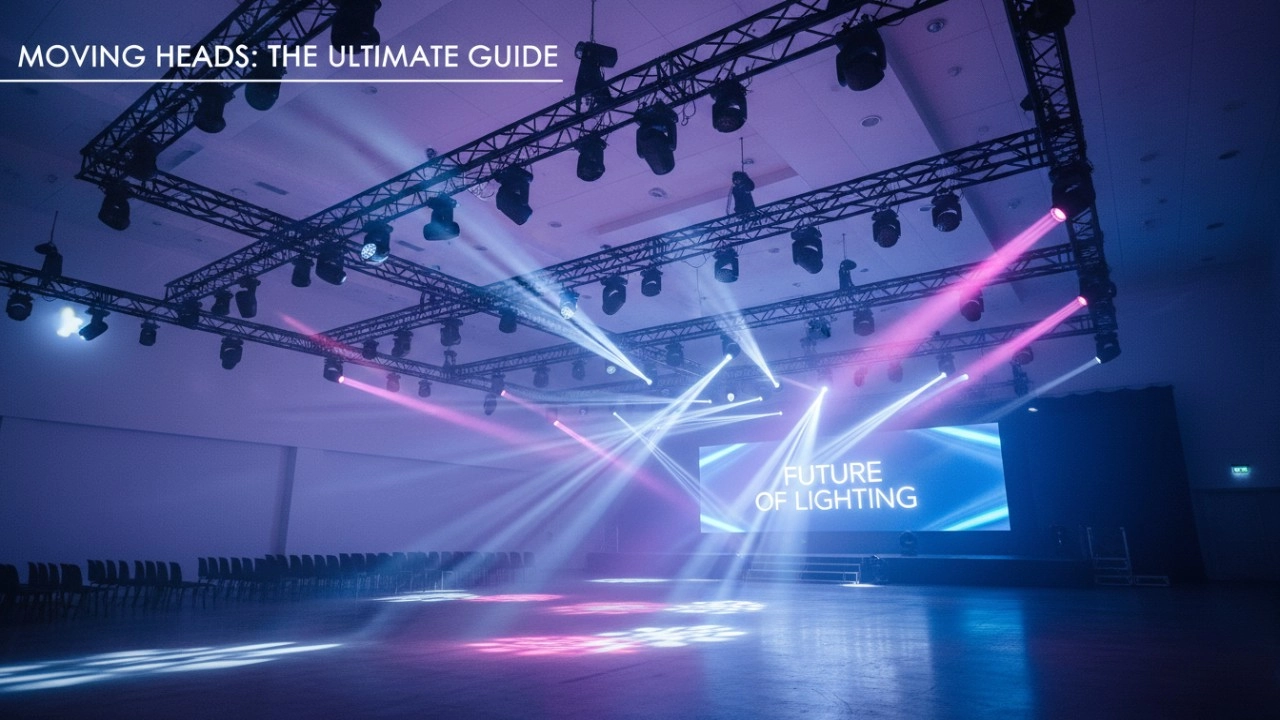
A Stage of Limitless Possibilities: Moving Head lights Deliver Precise Control and Versatile Effects
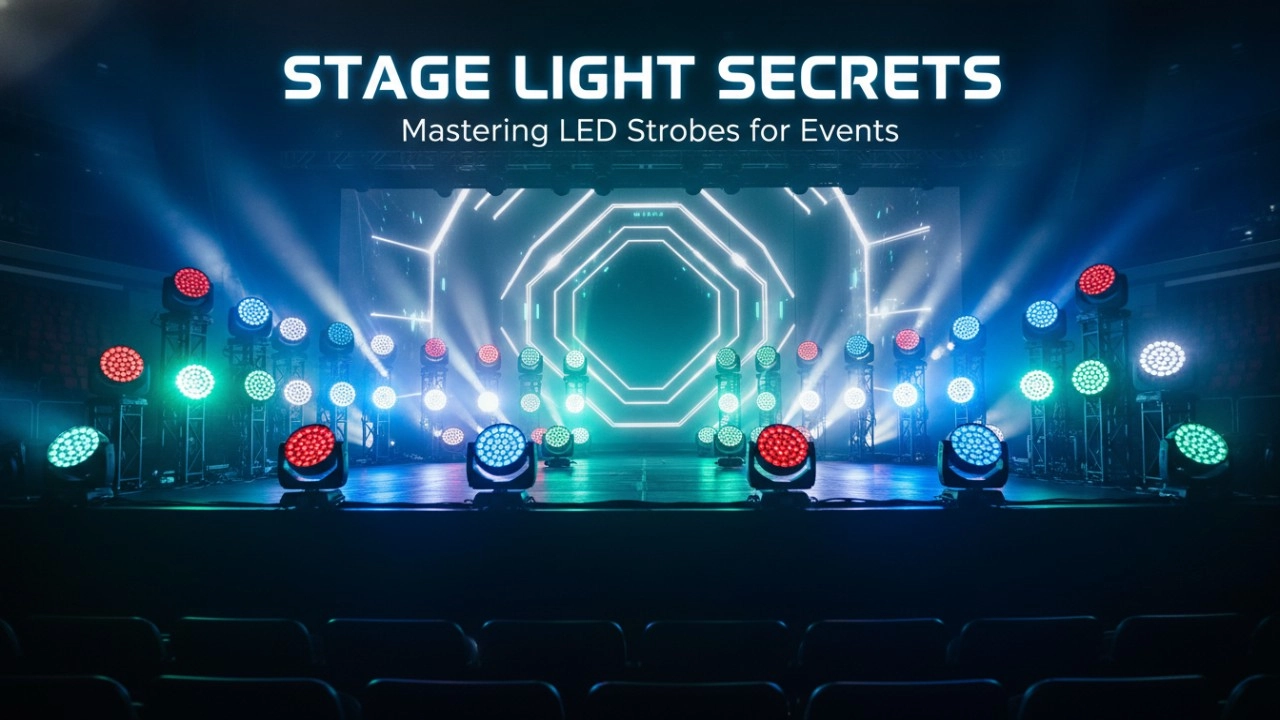
LED Stage Strobe Light Comparison: Performance, Power, and Pricing Guide
Why Your Venue Needs LED Beam Lights: A Cost-Benefit Analysis
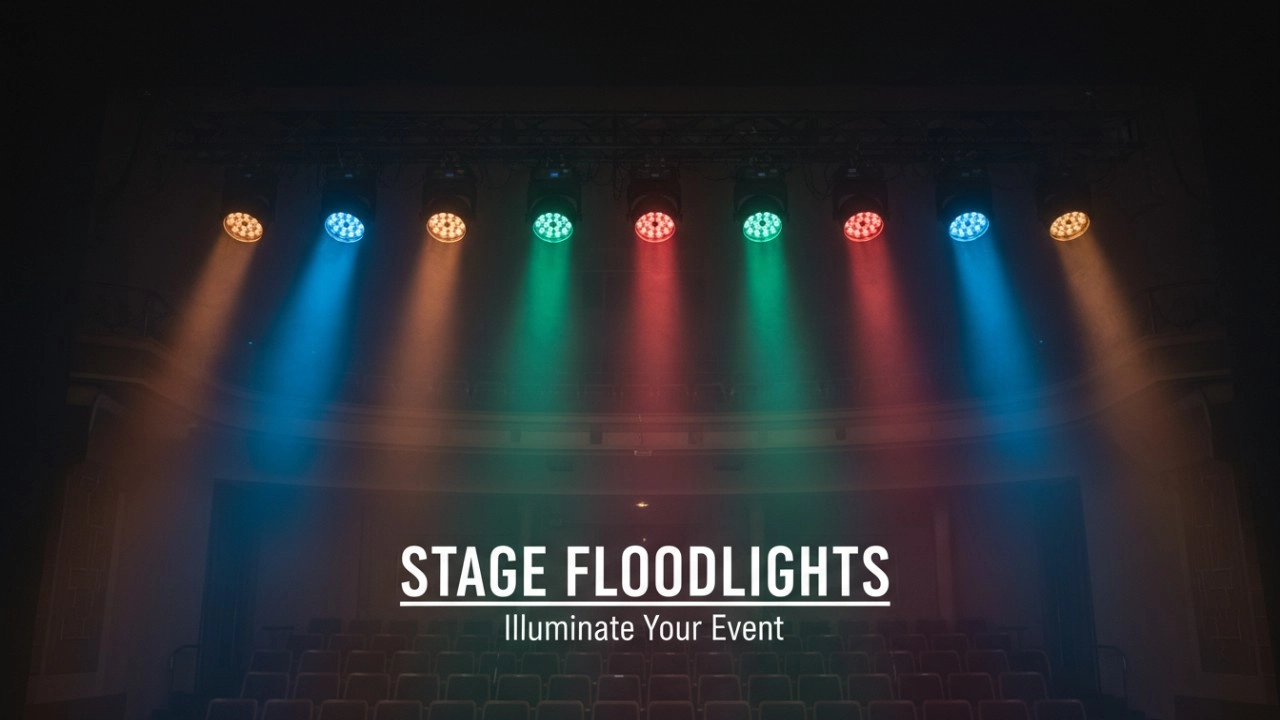
Spotlight vs. Stage Flood Lights: Which One Does Your Production Actually Need?
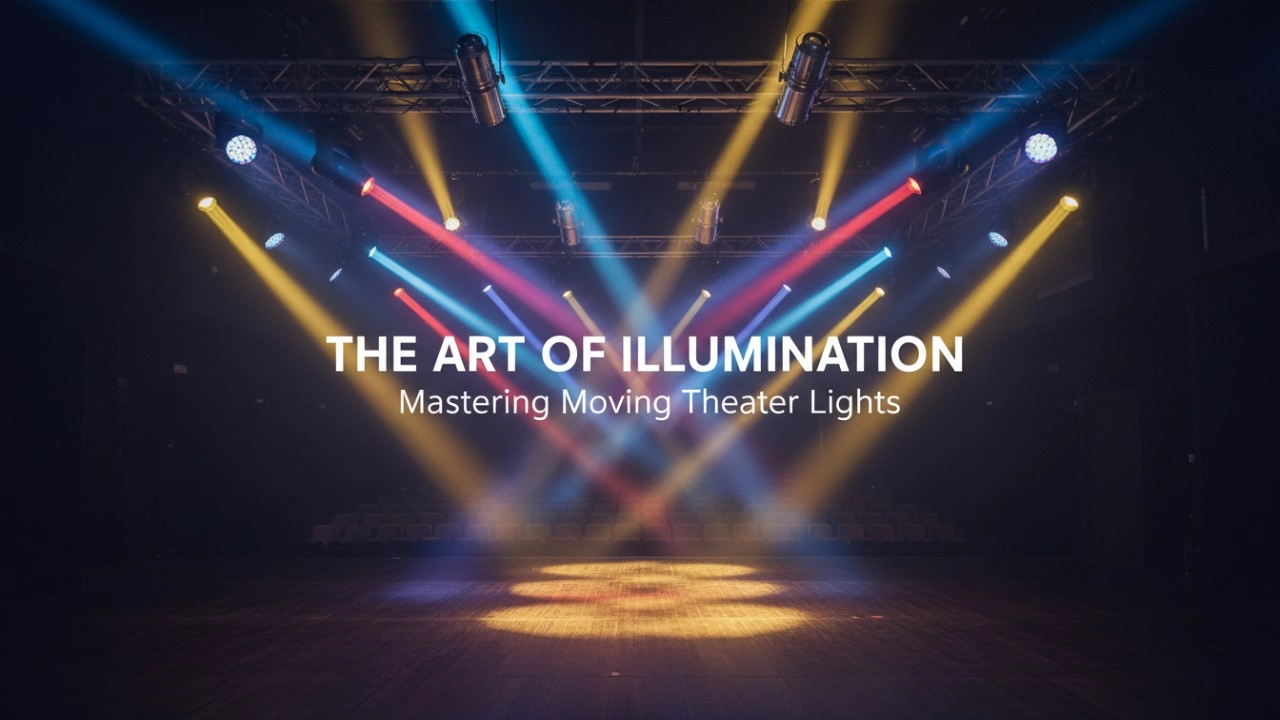
Spotlight vs. Floodlight vs. Beamlight: A Comparison of Moving Stage Lighting Fixtures
Mastering the Flash: 7 Advanced Strobe DJ Light Techniques for Pro Entertainers
Company
What is LiteLEES’s main business?
LiteLEES specializes in the design, development, manufacturing, and sales of professional stage lighting, including moving head lights, beam lights, spot lights, wash lights, and LED par lights.
Do you have your own factory?
Yes. We own a sheet metal factory and a complete in-house production line—from PCB to final assembly—ensuring strict quality control and fast delivery.
Products
Do your lights support DMX512 and other control protocols?
Yes. All LiteLEES stage lights are fully compatible with DMX512. Many models also support RDM, Art-Net, and wireless DMX (optional), ensuring seamless integration with modern lighting control systems.
Are your lights suitable for large-scale events and outdoor use?
Yes. Our professional stage lights—especially the Beam, BSW 3-in-1, and LED Par Series—are engineered with high-output brightness, wide beam angles, and robust housing. Some models come with IP-rated protection, making them suitable for outdoor applications like concerts, festivals, and sports events.
How long is the warranty period for your products?
We offer a standard 1-year warranty on all products, with extended warranty options available upon request. During the warranty period, we provide free technical support and parts replacement for non-human damage.
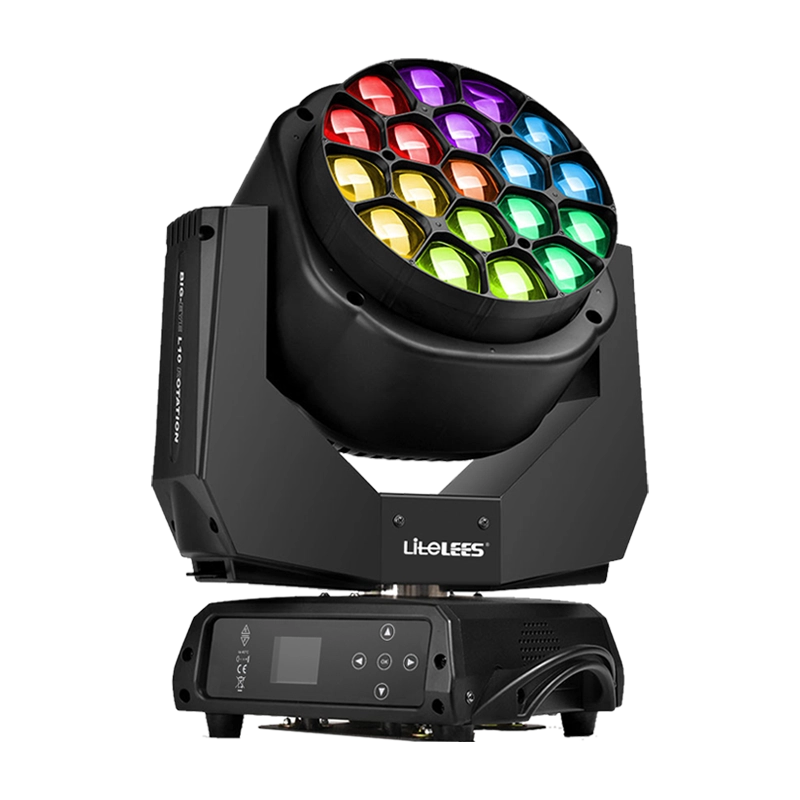

Stormy Shake Blinder IP
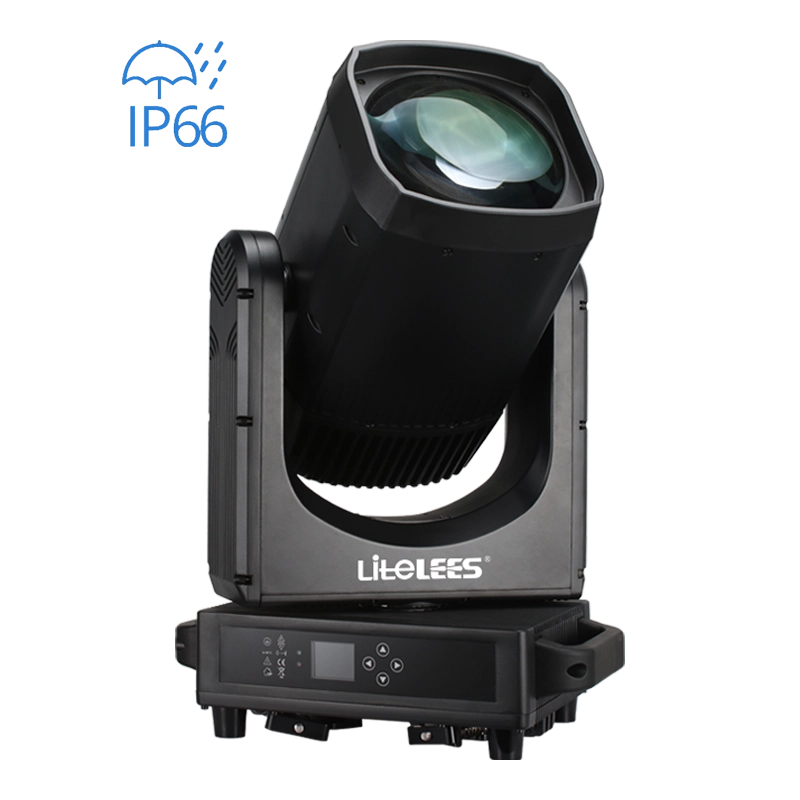
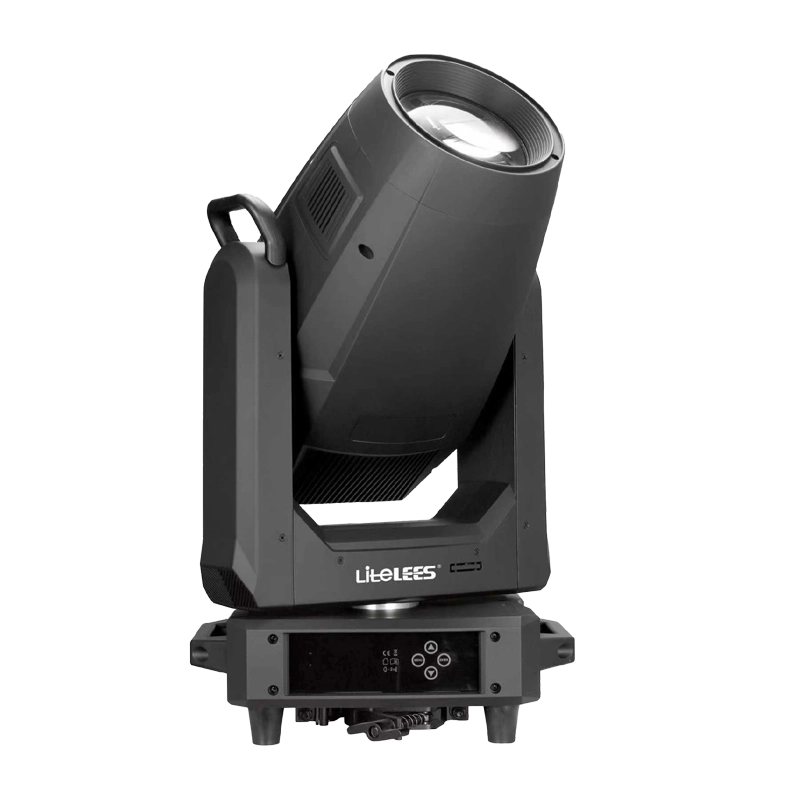
LiteLEES LUMIX BEAM 420 IP
LP Profile 900
Want to get more up-to-date information?
If you have any comments or good suggestions, please leave us a message; later our professional staff will contact you as soon as possible.

We are professional stage lighting manufacturers offering OEM and ODM LED stage lights.
Contact
Email us
Call us
Address
No.6 Longnan Road, Huashan Town, Huadu District Guangzhou, Guangdong Province, China.
LiteLEES Professional
Less Lighting